How EHR and Billing Integration Reduces Administrative Work
Introduction
There are various other responsibilities that clinics perform on a daily basis in addition to caring for their patients. Staff will need to handle patient records and billing information. They should also be responsible for verifying claims and monitoring payments. These tasks, when performed on individual systems, can take longer. Data can be entered multiple times by staff. This can cause mistakes and cause slow work. Clinics can integrate health records with their billing tools through EHR and billing integration. It enables teams to oversee the essential tasks by linking systems. Staff have easier access to patient information and bills. This can help to lower the workload of manual labour and keep teams organised. It can also help with health care administrative automation, where repetitive jobs are involved. But clinics will have to select tools that suit them. It is important for them to check the links of the systems and training of staff before making a change. This can help clinics save time and devote more attention to patient care with a well-planned setup.
What Is EHR and Billing Integration?
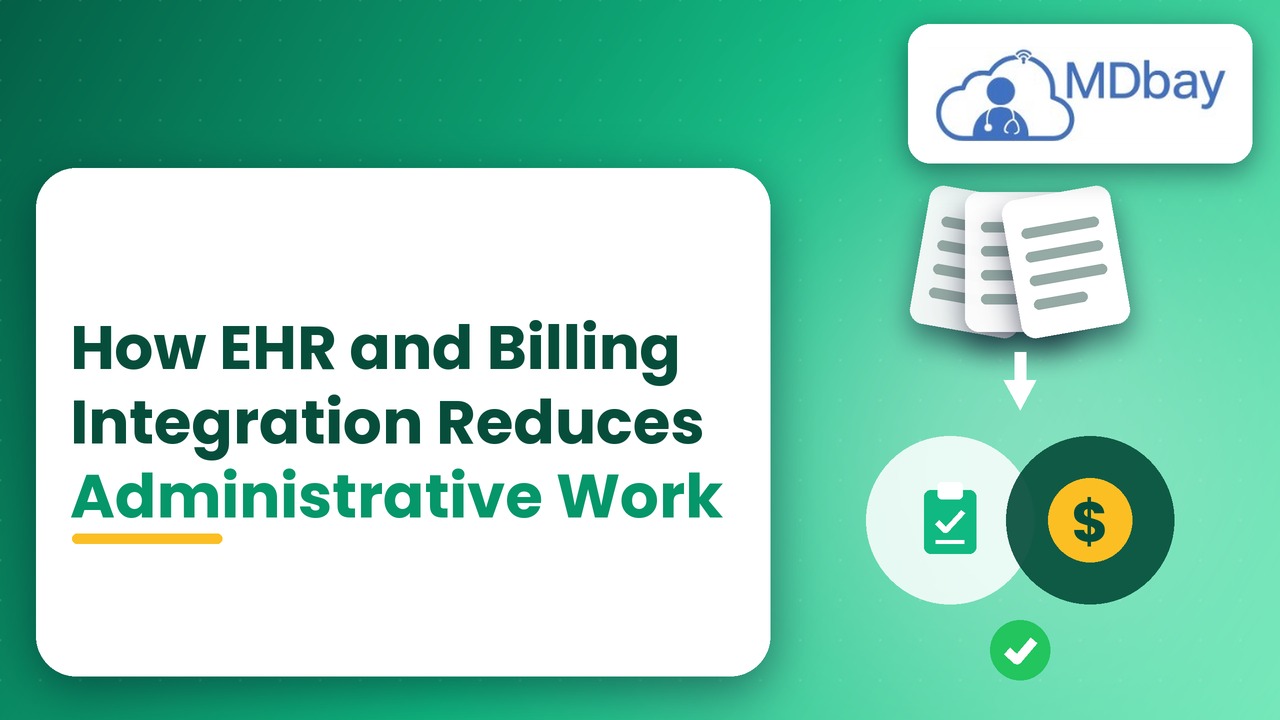
The integration of EHRs and billing systems is a connection between electronic health records and medical billing systems. These systems can help exchange vital information between clinical and billing staff. For instance, patient information and visit records can aid billing processes. Staff don't have to enter the same information twice. This can help to minimise repeated work and reduce data entry errors. Features will vary depending on software and configuration. Some systems come with integrated invoicing. Others have a different billing platform to which they integrate. Each client should validate the data flow from one system to the other. They should also validate which tasks are still required to be manually reviewed. Good integration can support staff in having a clear work process. It can also be used to help managers complete the review of tasks without delay. A good setup can help ease day-to-day work for both the clinical and billing teams.
Key Parts of Integration
-
Patient record access
-
Charge entry support
-
Claim data sharing
-
Payment tracking
-
Billing reports
Reduces Repeated Data Entry
Data duplication is time-consuming and prone to mistakes. Staff will have to make copies of patient information from one system to another. They might also re-enter visit information for billing purposes. This leaves an additional burden on the clinic's work. This can be minimised by having approved data shared between integrated tools, such as EHR and billing. An example of this might be a visit record that a staff member uses to help them to draft a bill. If the system supports this option, patient information could also be transferred to fields in the bill.
This will save staff time for copying data. They are able to concentrate on verifying the specifics and solving issues. This can minimise data entry errors and blank spaces. It is imperative that staff still review important data before sending claims. The automatic data sharing feature does not substitute for diligent due diligence. Clinics should perform a workflow test prior to adopting it for all patients.
-
Less repeated typing
-
Data errors are less likely to occur
-
Faster billing preparation
-
Better data consistency
-
Additional time for patient support
Accelerates Medical Billing
There are several steps in medical insurance billing. Staff check charges and prepare bills. They also might have to verify codes and patient information. These tasks can be more difficult to manage when using separate systems. Integrated tools can assist staff when they are on the job and working with bills. This can help shorten the time taken to gather data. It can also be useful for teams to adhere to a billing process. For instance, billing staff can retrieve relevant information on the visits without having to ask clinical staff to provide the same information. This can help minimise billing/care delays. Some systems also provide alerts for missing fields. These alerts can assist staff to resolve issues before a claim is sent. Clinics need to assess what billing activities the software provides. It is also important that they check if staff require approval of charges prior to the beginning of billing.
Reduce Repeat Tasks
There are a lot of steps in medical billing, which take time and care. Staff are responsible for checking invoices and for creating bills for each patient. They could also have to verify codes and validate patient information. These tasks can be more difficult to manage with separate systems. Staff can find critical data in a single place with the help of integrated tools. This could lower the number of repeat jobs and facilitate teams finishing bills in a shorter period of time.
Improve Data Access
Integrated tools can enhance the billing staff's ability to access clinical information during bill processing. For instance, the team could verify visit information without having to seek the same information from clinical staff. That can eliminate the lag time between providing care and doing billing. It can also assist staff to prepare claims with more comprehensive data. Easy access supports better teamwork between clinic departments. However, staff should thoroughly review all the specifics prior to submitting a claim.
Find Errors Early
Some systems alert you if fields are missing or key billing information is missing. These alerts can be used to help staff correct issues prior to sending a claim. This could help to reduce delays in claims and claim rejections. Clinics must review a software's ability to aid those activities prior to selecting a plan. They should also look at whether staff need to obtain approval before charges are made and before the bills start. The process can go well if clear rules are established and staff are well trained.
-
Charge entry
-
Bill creation
-
Patient balance review
-
Claim preparation
-
Payment updates
Helps Reduce Claim Errors
Claim errors can cause a delay in payment and cause additional work. Staff may have to look at a claim and amend details. It may also be necessary for them to send it once more. Typical problems can be missing patient data and charges being incorrect. Some errors can be avoided by linking EHR and billing systems, as integration may help to reduce some of those errors. Less need for hand copying by staff. There are also some systems that can alert the inputting system to missing fields or information that should be checked. This can assist teams with identifying problems prior to claims being submitted. But the system might not detect all errors. Staff are responsible for verifying claim information and complying with the rules of the payers. Additionally, clinics should look at denied claims for any common issues. Ongoing monitoring can help teams enhance their billing process over time. Enhanced data flow can facilitate quicker claim review and minimise unnecessary delays.
-
Review patient information before billing
-
Evaluate charges and codes
-
Fix missing fields
-
Follow payer rules
Improves Team Communication
Data needs to be shared between the clinical and billing team. They may have to verify details of the visit or enquire about fees. When systems are separate, this process can take more time. Staff can send a message or look at various records. Teams can share data in a single workflow with the help of integrated systems. This can help to minimise the number of requests. It can also serve as a means of educating staff on what needs to be done. For example, billing staff may check the visit information before creating a claim. The data can be modified by clinical staff prior to the beginning of billing. Access rules help each team see the data that they need.

Supports Healthcare Administrative Automation
Healthcare administrative automation refers to software applications that minimize repetitive administrative tasks in the medical field. It might be useful in clinics for data entry and billing tasks. It can also be used to send reminders and reports, if these options are available. Connecting EHR and billing software is one way to streamline communication. Staff can spend less time transferring data between systems. They can spend more time reviewing things that need human input. Clinics can also better track the work completed with the help of automation. But not all tasks should be executed without checking. Patient information and claim information need to be kept accurate. Clinics should determine what tasks are safe to automate. They should also ensure that staff are engaged in important checks. A slow and steady pace can give teams a chance to develop an understanding of how the tools work. It can also help identify problems in advance when expanding automation.
Tasks That May Be Automated
Currently pending approval of the document: transfer of approved patient data.
-
Basic field updates that include billing.Simple billing field updates.
-
Compensates for missing information
-
Payment status updates
-
Routine report creation
-
Work queue notifications
Saves Time And Helps Manage Costs
Staff time and clinic resources are utilised in administrative tasks. If teams repeat tasks, then they might have less time to attend to other tasks. There can also be manual mistakes. This can cause additional work. Some of these costs may be reduced by the use of integrated systems. These reports can aid managers in planning subsequent work. However, there could be a setup and support cost associated with the software itself. Some vendors may have additional fees for special links or extras. Clinics should compare these costs to their anticipated needs. They should also take into account training time and future support. Clinics can make an informed decision with a clear cost review.
-
Areas to Review
-
Staff time spent on billing
-
The expense associated with setting up the system.
-
Training needs
-
Extra software fees
-
Claim follow-up work
-
The cost of supporting and updating the systems.
What to Measure at Clinics
Clinics can measure the time taken for billing tasks both before and after integration. They can also report data errors that have been repeated and say that they have been delayed. These measures can help to indicate the system's contribution. Results may vary according to the skills of staff and software configuration. Periodic audits can enable clinics to streamline their processes.
Ensures Reports and Daily Planning
Reports give clinic managers insight into the work that is being accomplished. There can be challenges in integrating clinical data with billing data in separate systems. Some information may be easier to review with some tools integrated. Reporting may include the status of claims and payment activity. They can also assist staff with finding unpaid balances or tasks awaiting them. This information can be used by managers to schedule employee working hours. They can also search for duplicate billing problems. Depending on the system, the available reports will vary. Clinics should determine whether it is possible to filter the reports by date or team. They should also enquire if there is the possibility of the data being exported for review. Reports are best when the information is valid. Staff should check for unusual results before making decisions. Proper reporting can help clinics keep tabs on progress and aid in daily planning.
Accomplishes Reports and Daily Planning
Reports enable clinic managers to monitor work done and conduct a review of the key results throughout the day. Care and billing data are difficult to compare using separate tools. A cloud EHR billing system can provide important information in a single spot. These details are useful to managers for planning working time and establishing objectives. They are also able to go through the repeat billing problem and determine areas where changes should be made.

Reports available are dependent upon the system and plan. Clinics should request to sort data by date and/or team. They should also enquire about the possibility of having staff export data for review. Information is essential for decision-making. Staff should review unusual findings before intervention. The reporting can also assist clinics in monitoring progress and scheduling their activities for the day.
Claim Status Reports
These reports are helpful for staff to monitor claims throughout the whole process. They can indicate whether claims are sent or not completed. This allows the teams to identify delays and take action on outstanding tasks.
Payment Reports
Payment reports are used to keep track of payment of bills and due funds. Staff may use them for payment trends and to locate late bills. This can assist a team to maintain accurate and current records.
Staff Work Reports
These reports allow managers to check task loads of the team. They are able to indicate busy periods and suggest staff planning. This can help get the most out of the time and team skills.
Clinics can use the following reports:
-
Claim status reports
-
Payment summaries
-
Open balance reports
-
Billing error reports
-
Task completion reports
Check Key Features
The primary features that will be required for everyday use in the clinic should be identified. They can be patient records and claim tools, claim reports, payment reports, etc. They should examine each system and determine which features are important to them. This may help them select the right tool for them and their budget.
Test the System
A product demo allows staff to try out typical functions before deciding. They can view patient records, billing processes, and reporting tools. This allows them to observe whether there is an understanding of the system and whether it is easy to use. Staff feedback may also help to indicate what training tools might require additional training.
Plan Data Transfer
Care must be taken to transfer old patient records to the new system. Clinics should enquire with them about where the data will be transferred and verify it. They should also be taught whether staff can export records if they need to. A transparent transfer plan can aid in safeguarding data and minimise delays throughout the transfer process.
Checklist Before Choosing
-
Confirm required features
-
Verify software links are up to date. Verify software links are current.
-
Review security controls
-
Compare total costs
-
Enquire about staff training
-
Test common workflows
-
Check vendor support
Conclusion
If a clinic has been working with EHR systems, they will be able to see that it can help them to cut down on repetitive administrative tasks when paired with billing. It links patient records to billing software to make it easier for employees to access vital patient information. This can help to minimise manual entry and speed up the billing process. It can also be utilised to examine claims and to identify missing details. Improved data sharing could result in improved communication between clinical and billing personnel. Administrative automation in healthcare can assist with conventional tasks with appropriate checks. While integration is a solution to all workflow issues, it is not a panacea. Clinics must have straightforward procedures and trained personnel. They need to go over security and data quality, too. Clinics should test important tasks before selecting a system and compare the total cost of the system. Periodic monitoring can determine if the system is accomplishing its objectives. Careful planning can save time in clinics and allow staff to better focus their time on patient care.