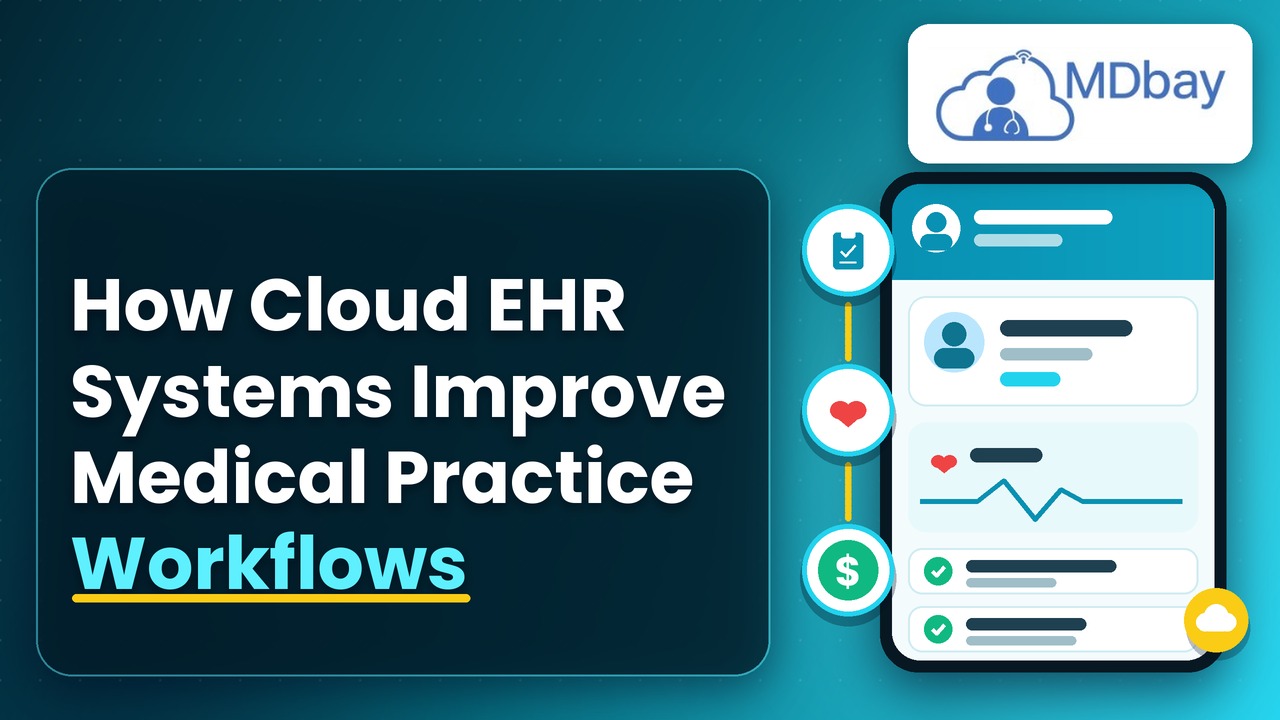
How Cloud EHR Systems Improve Medical Practice Workflows
Looking to simplify day-to-day medical activities? Cloud EHR systems are designed to assist healthcare providers by organising patient information, scheduling appointments, enhancing communication, and serving as a tool to help streamline everyday clinical tasks. The clinical information is stored on a cloud-based platform and can be accessed by authorised personnel using compatible devices and a reliable internet connection. Properly integrated, cloud EHR systems can help reduce the overall paper burden on the healthcare practice, simplify medical documentation, and oversee administrative duties so that healthcare professionals are better connected and the patient experience is more organised.
What Is Cloud EHR?
Cloud-based electronic health record (EHR) systems are a type of EHR software that captures and maintains a patient's medical record information in the cloud. It utilises the internet to reach out to a user, not depending fully on locally installed software on a piece of hardware. For example, these can offer: patient histories, diagnoses, medications, allergies, results, courses of treatment, or appointment details. Depending on the system, they can also feature tools for scheduling, reporting, electronic prescribing, portals for patients, and integrations with medical billing systems. Medical practices may use cloud computing to streamline workflows and keep vital information organised.
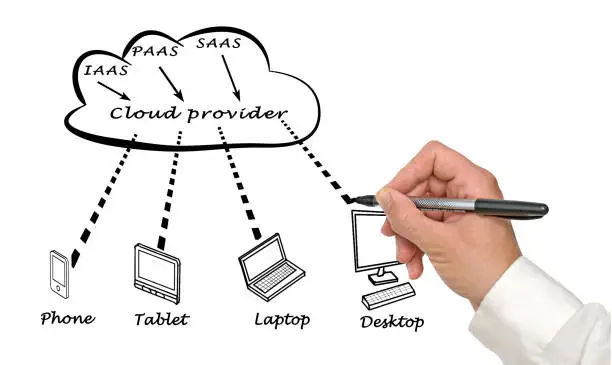
Doctors can access records, nurses can enter the necessary data, and administrative staff can check appointments using linked processes, which decreases the need for separate archives. Cloud EHR can be helpful to independent practices, expanding practices, and healthcare organisations that require authorised staff to log in to information at separate locations. But the rewards of cloud EHR depend on the capabilities, security, and how well it matches the day-to-day workflow of the organisation.
Advantages of Improved Appointment Booking
-
Minimises appointment booking mistakes and overlapping appointments.
-
Reduces staff time and time away from the patient.
-
Enhanced management of provider availability.
-
Assists in decreasing the number of missed patient appointments.
-
Provides consistent reminders on the day of upcoming visits.
-
Assists with more effective planning of daily clinic work.
-
Enhances patient satisfaction and communication.
-
Simplifies the scheduling of follow-up visits.
Enhanced Communication Between Medical Teams
This common access can decrease delays in communication and can lead to improved collaboration. Additionally, it may help staff in preventing the asking for data that is already entered into the system. Enhanced communication also proves helpful in the case of multiple members of the care team. Clear documentation keeps all members up-to-date on past actions, future treatments, and follow-up care. User permissions and privacy processes should be set up when sharing information. Users should be permitted to see only those records necessary for carrying out their job duties.
Easier Access Across Multiple Locations
Clinicians who work at more than one site may have to access information from multiple locations. Local systems can be unwieldy and difficult to use if sites aren't sharing data. Cloud EHR systems might give access to multiple users in various locations on the same connected platform depending on the provider's setup and access permissions. This could benefit multi-location practices by coordinating records and having a more consistent workflow. For instance, a physician from a different location might be able to access some of the needed information to treat a patient without having to contact the office to ask for the patient's medical records. Office administrators can use a shared calendar to arrange appointments at different sites. This provides the flexibility to minimize delays in transferring paper records or requesting information from another branch. It can also help ensure organisations preserve a more consistent view of patient information. The healthcare provider needs to ensure that the platform serves the locations and has policies in place that allow secure access across all sites, from internet access to authentication setup.
Enhanced Prescription Handling
Medications and dosage amounts, allergies, and past treatment can help manage prescriptions. If records are off or contain errors, this can cause safety issues and require more work for staff. Cloud EHR systems can also offer electronic prescribing capabilities that aid users in composing and administering prescriptions. In some cloud EHR programmes, clinicians have the ability to view a list of prescriptions and filter by allergy details in the patient's record.

These devices could assist in planning prescribing tasks and be helpful for easier medication history reviews. They might even decrease some of the issues that come with handwritten prescriptions and repeated data entry. But of course not all risks are eliminated with electronic prescriptions. Care must still be taken to ensure that drugs are correctly prescribed, that they are checked against interactions, and that prescribing rules are followed. The system should be an aid to clinical judgement.
Improved Patient Follow-Up
Checkups allow the medical team to keep up with a patient's recovery, receive results, and tweak treatment if needed. However, this can be hard to achieve without documentation and reminders to keep track of which patients require extra care. Cloud EHR systems enable staff to record these follow-up plans. That data then assists teams in scheduling the next appointment and a revisit after an appointment. A better-planned follow-up can enhance continuity of care and decrease overlooked administration, which staff may be able to check out if clients have made recommended appointments or need additional communication. An appointment could be added, like a follow-up date suggested by a healthcare provider after an appointment. This can then be scheduled by office staff in the practice's scheduling workflow.
Advantages of Better Patient Monitoring
-
Allows for continuity of care and treatment.
-
Helps monitor the progress and recovery of patients.
-
Minimizes missed follow-up appointments.
-
Fills patient records.
-
Assists employees in processing outstanding follow-up activities.
-
Facilitates communication between patients and providers.
-
Facilitates prompt review of results.
-
Assists in treatment planning.
Improved Reporting and Performance Tracking
Healthcare practice managers require actionable information to help understand the state of operations. Information on appointment volume, patient visits, documentation completion, and other workflow indicators can be important. The value of a report will depend on the information technology platform and the accuracy of data entered. Managers should check reports on a regular basis and corroborate findings from reports with staff commentaries.
Support for Practice Growth
As the practice grows, the number of patients, appointments, staff, and paperwork begins to increase. The systems set up for the small operation can become difficult to manage as the workload increases. A cloud EHR solution offers a connected platform to handle increasing workloads. Features and resources like the number of users, storage, and features can be added with the level of service. This flexibility can be useful for a practice that is growing and wants to keep relatively consistent processes in place until they upgrade their technology infrastructure altogether. It could also be helpful for a practice that opens another office. Healthcare organisations should also evaluate how many users a solution supports, integrations that are available, storage needs, reporting capabilities, and pricing. They need to find out about limits in the software and how much it costs to add users or locations. Having a solution that can expand along with the practice may help to avoid yet another software overhaul further down the road.
Advantages of a Cloud EHR System That Is Flexible
|
Benefit |
Description |
|
Easy Expansion |
Accommodates increasing patient volumes |
|
Flexible Access |
Provides access to records for authorised users |
|
Better Storage |
Helps manage growing amounts of patient information |
|
Multi-Location Support |
Enhances coordination among clinics |
|
Workflow Efficiency |
Helps keep daily routines consistent |
|
Cost Management |
Assists practices in forecasting future technology costs |
How Clinical Workflow Software Supports Daily Operations
Clinical workflow applications assist your team in planning various activities that are involved in treating patients. It can include activities like managing records, appointment booking, registration, referrals, and records management. A connected cloud EHR platform can enable staff to transition from one task in the clinical workflow to another with less friction. For instance, using data gathered through registration to facilitate note creation and appointment scheduling. This combination can reduce variance and help to eliminate administrative delays.

Cloud EHR Systems vs. Traditional EHR Systems
Both cloud-based and on-premise EHRs can store digital patient records. With cloud-based EHRs, records are stored online and accessed remotely, while traditional EHRs are often stored on-site.
|
Feature |
Cloud EHR Systems |
Conventional EHR Solutions |
|
Data access |
Secure internet access is regularly provided. |
May rely on local networks or configured remote access |
|
Infrastructure |
Hosted cloud environment |
Uses local servers or on-premises data centres |
|
Maintenance |
May be managed in part by the vendor |
Might need additional in-house servicing |
|
Updates |
Typically managed by the provider |
May require local setup or IT assistance |
|
Remote access |
Commonly supported with appropriate security |
Varies according to system configuration |
|
Initial costs |
Often lower upfront infrastructure costs |
May require higher upfront hardware and setup costs |
Common Challenges with Cloud EHR Implementation
While cloud-based EHR solutions are poised to make your practice operate more efficiently, there could be some hurdles along the way. Planning in advance can alleviate some of these pitfalls and help your practice transition more gracefully.
Best Practices to Improve Workflow for Your Medical Practice
Tips for getting the most out of a cloud-based EHR: At-a-glance tips on how healthcare organizations can unlock maximum benefits of a cloud EHR.
-
Identify processes: What tasks are repetitive, where are there bottlenecks, and why do you have communication issues? Review everything!
-
Determine which workflows can be optimized: scheduling, documentation, follow-up, etc.
-
Prepare patient data: clean up missing value errors and delete duplicate information that is not necessary during migration.
-
Train your clinical staff and admin team on their specific roles.
-
Test key features: validate registration, documentation, prescriptions, reporting, and integrations before any go-live.
-
Check data quality: Examine staff responses, workflow delays, and data quality post-launch.
Conclusion
Most cloud EHR software allows clinics to better manage their patient information, streamline documentation, synchronise scheduling, and facilitate communication between medical staff. By linking critical clinical processes to one platform, they can potentially eliminate duplicative tasks, improve access to data, and increase operational efficiencies on a day-to-day basis. It could further feed clinical workflow software, scheduling, and reporting and could dovetail with other apps. All software, however, has potential pitfalls, from data security and accuracy to staff training to system accessibility and practice needs. Before choosing a platform, health care providers should review their current processes and, when choosing a platform, include staff in the implementation plan. Additionally, providers should test key features, determine privacy procedures, and evaluate performance once the platform is in place. By planning appropriately and conducting ongoing reviews of cloud EHR tools, you can implement a cloud EHR system that enhances your well-managed medical practice. The right health care solutions can assist healthcare teams in performing their duties more efficiently while maintaining accessible, accurate, and complete patient data.
Frequently Asked Questions
1. In what ways do cloud EHR systems enhance the workflow of your medical practice?
Cloud EHRs make patient information more readily available, decrease paperwork, and assist with scheduling appointments as well as communication between participating personnel. They can also help practices better manage documentation and reminders.
2. The Definition of Clinical Workflow Software
This type of software assists clinicians in managing patient registration, charting, scheduling, referrals, and follow-up visits, which could help save time and create a more standardised work environment.
3. Are cloud EHR systems beneficial for small practices?
Yes. Many cloud-based EHR vendors target the small practice and solo provider market. Choosing the best solution involves considering budget, number of patients, specialty, features, and privacy considerations.
4. Is paperwork a thing of the past with cloud EHR systems?
Q. Can I use digital records to replace paper records? Yes. Digital records can replace lots of paper records and reduce the time it takes to do manual processes. But staff must still record the correct information and maintain correct records.
5. Do cloud EHRs provide security?
They may offer robust security, but how much is enabled depends on what the vendor offers and how you've managed things at the clinic. Check encryption, access controls, authentication, backups, and any compliance issues.