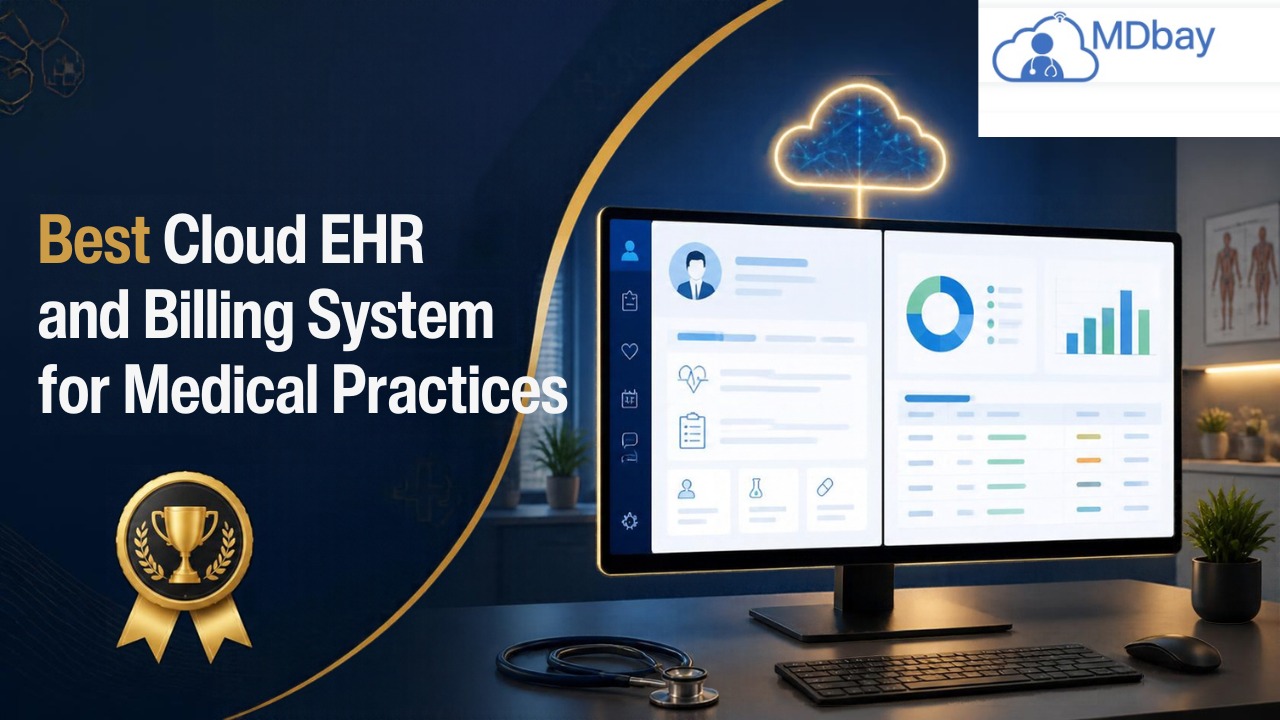
Best Cloud EHR and Billing System for Medical Practices
Are you tired of tracking patient records and billing? Implementing a cloud EHR and billing system can make your workload easier and more organised and help your practice stay on top of its game. Patient files, appointments, insurance claims, and payments. System selection will vary based on the size of your practice, your speciality, your budget, and what you need to do daily. Make sure you understand the features, security, integrations, and ongoing costs before you select a system.
What Is a Cloud EHR and Billing System?
A cloud EHR and billing system is a combination of electronic health record and medical billing software that exists on an online platform. Patient medical history, diagnoses, allergies, treatment notes, and medical treatments are documented in the electronic health record. Billing tools allow the reception staff to handle billing, insurance billing, and accounts receivable. Since the software is cloud-based, approved users can view data on supported devices using an internet connection. The vendor usually handles hosting and software upgrades, if applicable, which can eliminate the need for practitioners to have their own servers. Combining clinical and financial workflows into a single platform. When a patient is seen, the patient's data might automatically populate a billing claim so that the billing team doesn't have to duplicate their work. How this happens will depend on the software and setup.
Store Patient Records
The EHR is where all crucial patient information and treatment information is stored. This can include medical history, diagnoses, and current prescriptions. Staff may also log allergies and notes from each appointment. Having everything stored in one location makes reviewing data convenient for care teams.
Manage Billing Tasks
The billing tools allow your team to record charges and insurance claims. They are used to monitor payments received and to record any outstanding balances. When a patient is treated, your team can use important visit information to generate a claim, which may eliminate the need to rekey information. Complete billing records can also help your team spot mistakes and chase up on outstanding claims.
Access Data Online
Cloud systems enable authorised personnel to access data via compatible devices over an internet connection. Staff might be able to view records in the practice or from a different authorised location. Typically, the vendor hosts the system and maintains software versions as part of the service agreement, which may eliminate the need for a practice to operate its own server. Access controls still apply to protect patient information.
Connect Care and Billing
Practice management software makes it possible to connect clinical workflows with billing workflows. For instance, a care team can enter visit information into the electronic health record (EHR) during a visit. Billing staff can then input that information into the software to generate an insurance claim. This can lessen the time and errors associated with double-entry of information. However, the process will vary by software.

Important Elements to Consider
The ideal system should help keep a medical practice running smoothly on a day-to-day basis. Here are some key features to look for before signing up for a platform:
-
Patient record management: Stores histories, diagnoses, medications, allergies, and observations of the patient.
-
Scheduling: Supports administration of provider calendars and appointments, as well as cancellations and reminders.
-
Medical billing: Helps with entering charges, prepping claims, tracking payments, and monitoring balances.
-
Insurance verification: Aids staff in verifying coverage when there is existing payer linkage support.
-
Reporting tools: Gives details about claims, collections, and any payments that are due.
-
System integrations: Integrates with participating labs, pharmacies, clearinghouses, and other healthcare software.
-
Customer care: Assists with any technical issues that need to be addressed, software instruction, and training.
A solution that is easy to use is also extremely vital. If the users of the software find it hard to learn, they may end up spending more time on routine activities. Practitioners should also ask for a demo of the software to see if their usual procedures are easy to work with.
Advantages of Using EHR Billing Software

EHR billing software integration links patient documentation with billing processes. It may decrease duplicate data entry and help employees find information more easily. Suppose a provider has entered notes of a patient's visit. Then the billing team can take that information and bill the patient or submit an insurance claim. When a claim is denied or delayed, staff can check on its status and appeal it in the way you've designated.
Avoid Duplicate Data Entry
Integrated EHR billing software combines patient records and major billing functions within a single system. This integration can assist staff in locating information quickly without jumping between multiple pieces of software. It could also minimise duplicate data entry. When staff spend less time re-entering information, the time saved allows them to spend more time on patient records and other key functions.
Enhance Claim Drafting
By recording a patient visit, a provider's data could assist the staff in claim preparation. Billing teams are able to see the details of the care and utilise them to code appropriate billing charges. They could cross-reference key information prior to submitting the claim to an insurer as a means of minimising errors due to inaccurate or incomplete data. Clean records can facilitate a cleaner claim process.
Track Claims and Payments

Staff can use integrated tools to keep track of claims and payments. When a claim has been denied, or a payment has been delayed, staff can access the claim to see the details. Staff might correct mistakes or call the insurer depending on your practice guidelines, which can help catch problems early. Improved claim tracking can also help assure regular cash flow to your practice.
Support Team Work
Using one system ensures the teams will access the same core information. Staff should be able to check visit notes and billing data when they need them. Good rules about who can access what data connected to their role will allow each team to see their data. It can cut down on the waits caused by missing data and poor connection. What this saves will vary by software and practice.
Other potential benefits include:
-
Fewer repetitions of data entry in related workflows.
-
More collaboration between billing and clinical staff.
-
A more convenient way to view claim status and payment details.
-
More structured reporting for financial reviews.
-
Less time being spent navigating across multiple applications.
Cloud vs. Standalone Billing Systems
Practitioners can utilise a unified platform or opt for separate applications for clinical information and billing. Choosing the best system for them will be based on the practitioner's workflow, cost considerations, and technical needs.
|
Feature |
Integrated Cloud System |
Separate Systems |
|
Data Access |
Data may be linked to billing and clinical information. |
Data may need to be shared more often. |
|
Daily Workflow |
Switching between applications can be reduced. |
Staff may need to use several interfaces. |
|
Setup |
A single primary vendor may provide the system. |
Multiple products may require separate configuration. |
|
Customization |
Customisation depends on available features. |
Separate products may offer different customization options. |
|
Costs |
A combined subscription may be available. |
Separate subscriptions and integration may add costs. |
|
Support |
One vendor may support multiple functions. |
Different vendors may provide support for each product. |
Security and Compliance
Medical offices deal with sensitive patient data; therefore, security should be one of the most critical factors when considering the software you want to select. A good platform will take data security and data backup seriously, for example, through encryption or multifactor authentication, role-based access, audit logs, backup plans, etc. Before acquiring a system, you should enquire with the seller as to how individual information is kept and secured. Also enquire about who will have access to the records and how often backups are made, as well as what takes place if the system drops. Where healthcare occurs, laws change. They should determine which law applies to their practice and whether their vendor has the right compliance safeguards in place and contractual terms. The use of cloud software does not automatically translate to compliance. On the other hand, your employees should be aware of how to safeguard their account credentials and credentials, what constitutes suspicious records, and how to handle any security threats that may arise. Periodic audits of user permissions are also helpful.
Understanding Software Costs
The costs for a cloud-based EHR and billing system will depend on the vendor you choose, the size of your practice, how many users you need, and the features you select. There could be further costs for implementation, training, data migration, integrations, and premium support. It's always a good idea to check out the pricing structure before making a final decision.

|
Cost Area |
Things to Look For |
|
Subscription |
Monthly or yearly charges |
|
Setup |
Configuration and onboarding fees |
|
Data Migration |
Costs for transferring existing records |
|
Training |
Staff training and learning materials |
|
Integrations |
Fees for connecting external tools |
|
Support |
Availability of technical assistance |
|
Contract Terms |
Requirements for renewal, cancellation, and data export |
How to Choose the Right System
Choosing a platform for your practice needs to be done methodically. Your practice should evaluate software based on what it needs, not just on marketing spin.
Evaluate your speciality. Is the platform compatible with your clinical workflows, documentation, and billing requirements?
Demo the interface. Have clinical and administrative staff test out typical tasks in a demonstration.
Check integrations. Make sure the platform integrates with your current applications and find out about extra fees.

Other common mistakes include:
-
Disregarding training and implementation standards.
-
Not verifying support for the practice's speciality.
-
Neglecting to consider the costs of integration and subscriptions.
-
And articles in the absence of automation that are full of billing processes.
-
Ignoring security controls and access permissions.
-
Verify the data backup and export options.
-
Not testing out the software before buying.
A well-thought-out implementation plan can mitigate these risks. Procedures should include training staff members, testing critical processes, auditing migrated records, and creating a process for reporting technical issues.
Conclusion
A top cloud EHR and billing solution can assist practices in organising patient records, taking control of billing activities, and adapting to daily procedures. Scheduling, claims processing, reporting, security permissions, and integrations can simplify administrative processes. Before you pick a platform, compare the features, costs, ease of use, support, security, and data protection. The right choice will be one that supports your current needs and will adapt as your business grows.
Frequently Asked Questions
What is the most significant advantage of a cloud EHR and billing system?
It links billing activities with patients' medical records in one system that may decrease double data entry and could provide easier access to information for staff who have been authorised to view it.
Is cloud EHR software right for a small practice?
Yes. There are quite a few electronic health records that are suitable for small clinics and independent practices. The right one for you will be based on your practice budget, speciality, and the features you want and need.
Can billing software integrated with EHR decrease errors on claims?
It could help minimise errors from duplicated data entry and unlinked workflows. However, accurate documentation, correct coding, and claim auditing will continue to be required.
How safe is cloud-based EHR software?
It may provide security features like encryption, access control, audit trails, and backups. The organisation must review the vendor's security measures and have appropriate internal controls.
What is the cost of a cloud EHR and billing software?
Costs depend on the vendor, subscription type, number of users, the number of features selected, implementation, training, integrations, and support.
Can I change software providers in Practice Switch?
Yes, but the method will vary depending on the contract and the data export tools provided. Practices need to confirm what constitutes data ownership when switching providers.