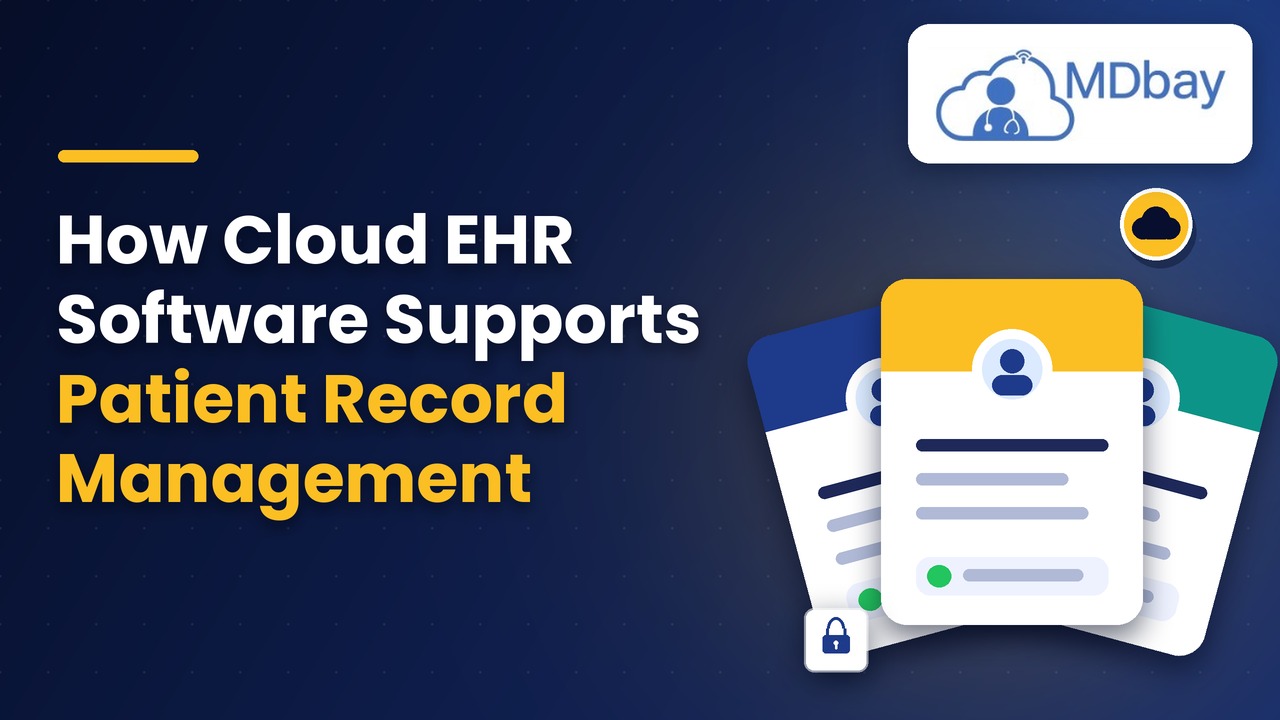
How Cloud EHR Software Supports Patient Record Management
Introduction
Patient information should be kept securely in clinics too. Well-kept records enable staff to provide better care. Paper records can occupy a lot of space. They also hamper ongoing daily activities. Cloud EHR software is used to store records online for clinics. Staff will have to work less to get key data. This can help to make work go more smoothly during the day. It can also be useful to allow teams to communicate essential information. Patient record management is extremely important for every clinic. It maintains the clarity and proper arrangement of health information. Past visits are easily accessible to staff. They can also make new notes as necessary. Automating data entry with cloud tools can help minimise data entry mistakes. They can also be a time saver for busy employees. However, each clinic is unique. Each tool needs to be carefully inspected. They should also re-read data safety rules. Safe use is dependent on good staff training. With a clear plan, staff can do a good job with tools. Systems should be tested in clinics before use. This guide demonstrates how cloud tools can assist. It also covers key gains and tips.
What is cloud EHR software?
Cloud EHR software (electronic health records) is a cloud-based solution that manages health information. It uses remote servers to keep records. Staff can log in using secure tools. It requires web access for them to use. This can be beneficial for teams at a variety of sites. They are able to access the records of devices for which they have been approved. Notes and test data can be stored in the system. It can also remember information about previous visits. Access is based on role; each user will get access.

This allows a restriction on access to records. The entire toolkit should be reviewed by clinics. They will also need to check the vendor's rules. A good setup can smooth out work. It also can help to decrease the need to keep paper records. Staff can use one system for several activities. This will help to ensure normal working conditions each day.
Keep Health Data Online
Cloud EHR software keeps health data on servers in the cloud. Staff will have access to records via a secure tool. This aids teams in accessing crucial data from multiple locations. It can also minimise the requirement for paper files and folders.
Access Records With Ease
Staff have access to the records via the internet on approved devices. This can reduce the time needed for teams to collaborate across sites. They can be used to store visit notes, test information, and past care information. Staff can use these tools to look up important facts when required.
Set User Access Rules
Access for each user is possible according to their role and tasks. This restricts access to and updates of patient information. The tools and rules supplied by each vendor should be reviewed in the clinics. They should also understand the measures taken to ensure the safety and security of data in the system.
Enhance daily clinic work. Refine daily clinic work.
The cloud EHR system can assist the staff in maintaining well-set daily tasks. Teams can access one system to access records and handle critical tasks. This can contribute to less paper usage and facilitate data retrieval. A good setup can enable smooth working as the clinic expands.
Key Features
-
Online record storage
-
Safe user login
-
Fast record search
-
Past visit notes
-
Test and lab data
-
Role-based access
-
Data backup tools
-
Easy record updates
Benefits for Clinics
The team at many sites will have slightly easier access to cloud tools. They can also reduce the amount of local server maintenance. Staff have access to the key data when out of their desk! This can enable teams to share facts in a shorter period of time. However, safe logon policies and data validation are still important. Each feature should be checked through before purchase.
Keeps Patient Data in One Place
Patient data can be sourced from a variety of sources. The staff should have one place to keep records. Cloud tools can combine essential facts. This could help to decrease the amount of paper documents. Backwards & forwards access to viewing previous visits and new notes. They are also able to look at test data as required. This can help teams to prevent missing facts. It can also help to clarify care plans.

Realizing that good patient record management keeps data well set. Staff should add notes immediately following each visit. They should also verify facts before saving them. Clean records can help to provide safe care every day. They might also support staff in responding to questions from patients. A clear record will illustrate steps in the past. This could support staff to plan for the next visit. Clinics should establish guidelines for changes to records. Staff should have an understanding of the role they play.
The Advantages of Clear Records
-
Less need for paper files
-
Easy access to previous visits.
-
Improved flow of crucial information.
-
Remove/draft away notes from staff for them
-
Reduced duplication of data entry.
-
The more useful the care history, the better.
Makes Record Access Easier
Records are frequently needed by staff on busy days. Slow search tools can cause delays in care tasks. Cloud systems can assist users in the speed of access to data. They can look up records by name or other information. Access is restricted based on user roles and system tools. Staff can work at more than one site, provided they are approved. This can assist teams in sharing important facts. It could also support the work of staff away from the premises. Safe login rules shall be used for Clinics. Do not share user accounts. Access needs to be properly controlled such that each worker has the correct level of access. Defining clear rules could be a way to protect private data. Staff should be familiar with how to search records. In addition, they should learn to be able to view past notes. Easy access will decrease search time. It can facilitate teams to act on care needs more quickly.
Convenience Hints:
-
Use clear file names
-
Assign roles to users carefully
-
Instruct employees about search tools. Educate employees on search tools.
-
Check access logs often
-
Remember to keep logins confidential.
Helps Keep Records Up to Date
Outdated information can result in suboptimal healthcare decisions. Records must be kept up to date by staff. Cloud tools can be used to add new notes to the team. They are also able to make post-visit updates to patient information. This can assist the staff in taking in recent facts. Teams can review data before saving changes. They should be corrected when they are identified. Clear notes can support staff to monitor care plans. They can also help to facilitate communication between care teams. There should be rules for updating records in each clinic. Staff should be aware of who is authorised to modify each field. Data cleaning can be maintained by regular checks. Staff can avoid the use of old facts with the help of updated records. They can also enhance the value of each trip. The data quality review should be conducted at specific intervals at the clinic.
-
Make some notes after every visit
-
Make sure data is in order before saving.
-
Fix errors as soon as found
-
Use records – review on scheduled dates
-
Fill in patient information carefully
Use Clear Record Rules.
There are procedures that can guide staff to stay on track. The managers can check records for missing information. If staff are not sure, they can ask for assistance. This may help to maintain patient information straight.
Supports the Development of Better Teamwork
Information needs to be shared with many staff members. Doctors and nurses might be among these users. They can also include front desk personnel. Cloud tools can assist teams to view shared information. The right access should be given to each user. This can decrease the number of calls to get key facts. This could also reduce time spent on paper records. Clear notes can be used to update staff. But each team has data rules to abide by. All users should be trained in safe use in the clinics.

Effective teamwork can ensure smooth day-to-day functioning. Staff are able to take account of key information prior to each visit. They also have the ability to read notes from previous care. This could help narrow data disparities. It can assist teams to plan their subsequent steps. Well-defined duties can help work to run smoothly. Clearer communication of pertinent information
-
Less need for paper notes
-
Easy review of past care is provided.
-
Clear task handover
-
More time for patients' needs
-
Better team planning
Tips for Teamwork
Clinics need to establish guidelines on the use of data. All the staff members should have an understanding of their own responsibilities. The teams should make notes clearly. It is also essential that they get an overview of major changes daily. This can help members of staff prevent missing out on information.
Improves Data Safety
Patient records contain extremely confidential information. It is important that clinics maintain this information securely. Cloud tools can provide numerous safety controls. These may feature secure logins and data locks. Some tools will also track changes to records. Backing up can help recover lost data. Clinics should enquire about the frequency of backups. They should also check who can view records. Staff shall always use strong passwords. They should get rid of any unusual access speed. There is no tool that will prevent all risks. It is important that there are clear rules and staff are trained. Clinics should also check vendor safety plans. They should be taught about the data storage process. They should question what will occur if there is a loss of data. Having a clear plan can help staff respond quickly.
Safety Tips
-
Use strong passwords
-
Restrict access by permissions
-
Check data logs
-
Have contingency plans in place
-
Provide safe use training for staff.
-
Check vendor safety measures.
Reduces Manual Work
Staff time spent on manual tasks. Staff will need to separate files daily. They can also look in paper records for information. Cloud tools can help to minimise such tasks. Staff can locate records quickly by using search tools. Forms can also assist in maintaining data well organised. Some tools can notify you of missing data. This can also assist staff in identifying gaps earlier. However, all important details should be verified by users. Clear staff rules are best suited to good tools! Each task should be tested before use in the clinic. This can be beneficial in identifying problems at an early stage. Staff time can be freed up by less hands-on work. They can then become more focused on the needs of their patients. Managers need to check on the use of each tool by staff. This can indicate areas for further training.
Tips to Save Time
-
Use appropriate search tools and tools for records.
-
Establish data boundaries. Define data rules.
-
Provide training for staff for important tasks.
-
Check missing data alerts.
-
Make use of set forms for notes
Helps With Reports and Planning
The reports enable clinics to analyse work done on a daily basis. They can demonstrate how teams utilise records. They may also display missing data. Report tools may be included in the cloud tools. Staff notes can be reviewed and recorded for use. These facts can be used by managers for planning. Reports can be used to find recurring problems. Tools differ depending on the vendor/plan. Clinics should enquire about the reports that are available. They also need to ensure the accuracy of data. Lucid reports can enable teams to plan more effectively. They can also be used to help assess the quality of work. Reports can be used by staff to identify any missing notes. Managers have the opportunity to review the speed of tasks. This can facilitate staff scheduling at clinics. Positive reporting helps with positive decision-making.
Useful Reports
-
Record update reports
-
User access reports
-
Missing data reports
-
Daily work reports
-
Data quality checks
-
Record use reports
The Best System for You
The needs of the work will differ for each clinic. Key needs should be listed first by the staff members. Then they may be able to make a comparison of tools and costs. The system should be user-friendly. It should also be compatible with the clinic's workflow. Enquire about data backup and storage. Verify the tools for safe use by users. Request assistance from staff when required. A demo can demonstrate how tasks work. Staff to test input/output of search. They should also look into options for data moves. Include training in the plan! The fact that the change can be more fluid if well planned. Also check with clinics about extra charges. They should make sure to read the terms before they sign. A clear plan can help to prevent future problems.

Checklist Before Buying
-
Analyse key record features
-
Discuss data safety guidelines.
-
Compare full costs
-
Enquire about staff training
-
Test search and note tools
-
Review data move options
-
Review support plans
Conclusion
Clinics can use cloud EHR software to store their records online. It can also improve the accessibility of key data. Patient record management can be supplemented by good tools. They can assist staff in maintaining up-to-date and accurate notes. They can also help to save paper and manual work. Shared records can facilitate teams working with care. Safety of data should continue to be a priority. Clinics should check access and backup conditions. Staff training is also crucial to safe use. Tools to be used in each clinic should be selected according to their requirements. It is recommended that they test the system before full use. It also needs to consider costs and support. Conducting regular audits can aid record-keeping. Information systems can support the staff on a daily basis. It can also enable clinics to plan for future needs. Clean information can help to inform care plans. Good rules will help to maintain the safety of data. Time may be saved using good EHR systems. They can also enhance the smoothness of everyday tasks.
FAQs
What is cloud-based EHR software?
It keeps health information on a server in the cloud. Staff who are approved can access records electronically. It could also provide secure access management.
Data Safety for Cloud EHR?
It might protect data. Clinics still have to abide by safe work rules. Staff training too is very important.
Are staff member records available offsite during clinics?
Access from other systems is provided for some systems. Login and web access must be secure user access. They also set data access through their roles.
How to maintain clear records at clinics?
Staff should make notes following each visit. They should also examine data to see if there are any errors. Clear guidelines can be of assistance to employees to remain on track.
Will Cloud EHR Save Staff Time?
May be able to shorten system downtime and paper jobs. Gains are dependent on setup and staff use. Periodic checks can enhance achievement.