Cloud EHR Security Tips for Protecting Patient Information
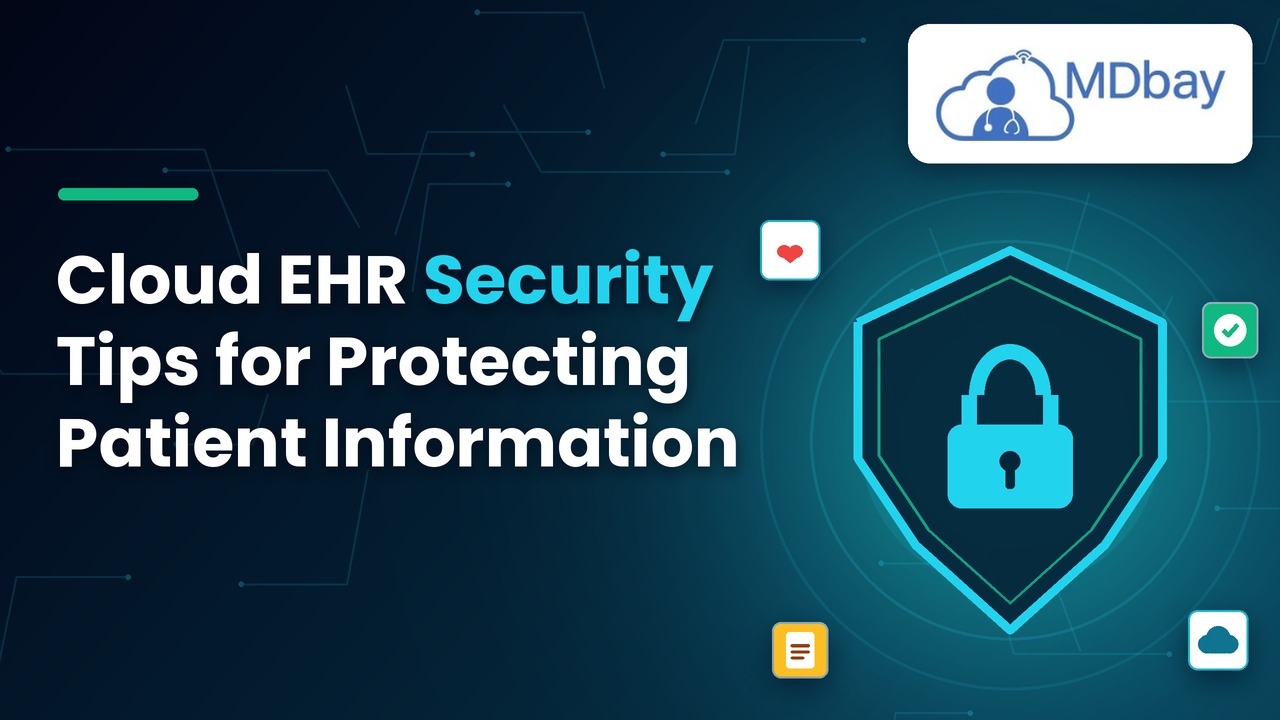
Sensitive patient information is handled daily by healthcare organisations. Medical history, diagnosis, prescriptions, laboratory results, insurance information, and personal information. Ensuring these records are protected is crucial to patient privacy and for the provision of reliable healthcare services. Confidential information could be revealed, and clinic activities could be disrupted by security issues. They can also pose financial and legal risks to health care institutions. Electronic health records (EHRs) are increasingly being stored and managed in the cloud, making it crucial for clinics to ensure their data is well protected. Clinics are increasingly relying on cloud-based systems to store and manage their electronic health records (EHRs), which makes robust cloud EHR security essential. These systems enable authorised healthcare workers to have access to information by means of connected devices. Clinics can minimise risks and be more responsible with EHRs by taking certain practical steps.
-
Use long and unique passwords for each account.
-
Don't use words or predictable numbers.
-
Don't postpone to someone else your own or any other password.
-
If required, use a secure password manager to protect your passwords.
-
If it is possible that credentials are being leaked, secure accounts right away.
Enable Multi-Factor Authentication
MFA adds a security step to cloud EHR accounts. It is not just a password; it asks the user to enter some other method of identification. This can be an authentication application, security key, or other accepted form of authentication. This extra measure can minimise unauthorised intrusion risks.

-
Use multi-factor authentication when possible.
-
Focus on accounts with admin rights.
-
Utilise authenticated applications or security keys.
-
Do not log in on behalf of others.
-
Send out-of-the-ordinary verification messages to the proper administrator.
Secure Patient Data Using Encryption
. It may lower the chances of sharing sensitive data while transferring data between devices and/or storing it on systems. There may be encryption of data in transit as well as encryption of data at rest that is offered by the cloud EHR provider. Clinics should be able to ensure what protections are available and what the provider does to manage encryption keys. They should also examine the security of connections that are used when accessing patient information.
Secure Stored and Shared Data
Cloud EHR providers might have encryption for data in transit and at rest. Data in transit refers to data being sent from one system or device to another. Data at rest is data stored on servers or storage devices. Clinics should enquire about the types of encryption the provider uses.

Review Security Settings
It is important for clinics to review the provider's key management practices and user access policies. They ought to also examine the security of links utilised for opening patient records. Use secure logins and defined access rules for added protection. Staff should be mindful of safe data practices when accessing and sharing records. One way to help ensure the security of private information and to maintain trust is to take these steps.
-
Ensure patient information is securely encrypted when stored.
-
Ensure transmitted information is conveyed by secure connections.
-
Check the encryption and key management procedures of the provider.
-
Do not pass confidential records via unapproved means.
Ensure Software and Devices are up to date.
Cloud EHR vendors can handle updates to their cloud-based systems. But health care institutions could still be liable for computer, browser, mobile device, and connected application updates. Before setting up a maintenance schedule, clinics need to be aware of their responsibilities.
Some useful software
-
Apply critical security patches as soon as possible.
-
Update operating systems and web browsers.
-
Check connections between applications and integrations regularly.
-
Uninstall unused software.
-
Avoid installing unauthorized applications on work devices.
Consider Cloud EHR Providers and Compliance Requirements
Cloud EHR providers are a key player in safeguarding the patient's information hosted on their platforms. But not all providers of healthcare offer the same security measures, so this is not to be taken for granted.

-
Check the provider's security documentation.
-
Enquire about incident detection and notification procedures.
-
Verify the backup/recovery plan.
-
Know about data storage and data transfer.
-
Discuss contracts and data protection duties.
-
Check applicable privacy and security requirements.
Conclusion
Healthcare organisations' security obligations with cloud EHRs are continuous. Clinics need to keep sensitive records safe but still be able to access information they need when caring for patients or doing administrative tasks. This is an excellent starting point, including strong passwords, multi-factor authentication, and proper access controls. There are other ways to protect, such as by using encryption, software updates, secure backups, and system monitoring. It is also important for organisations to protect connected devices and educate employees about phishing scams and other prevalent threats. Periodic provider reviews enable clinics to be familiar with security features provided by their cloud EHR. Healthcare organisations can mitigate unnecessary risks through the right technology and the awareness of their staff, as well as periodic security audits. These initiatives contribute to patient privacy, secure access to records, and robust healthcare information management.