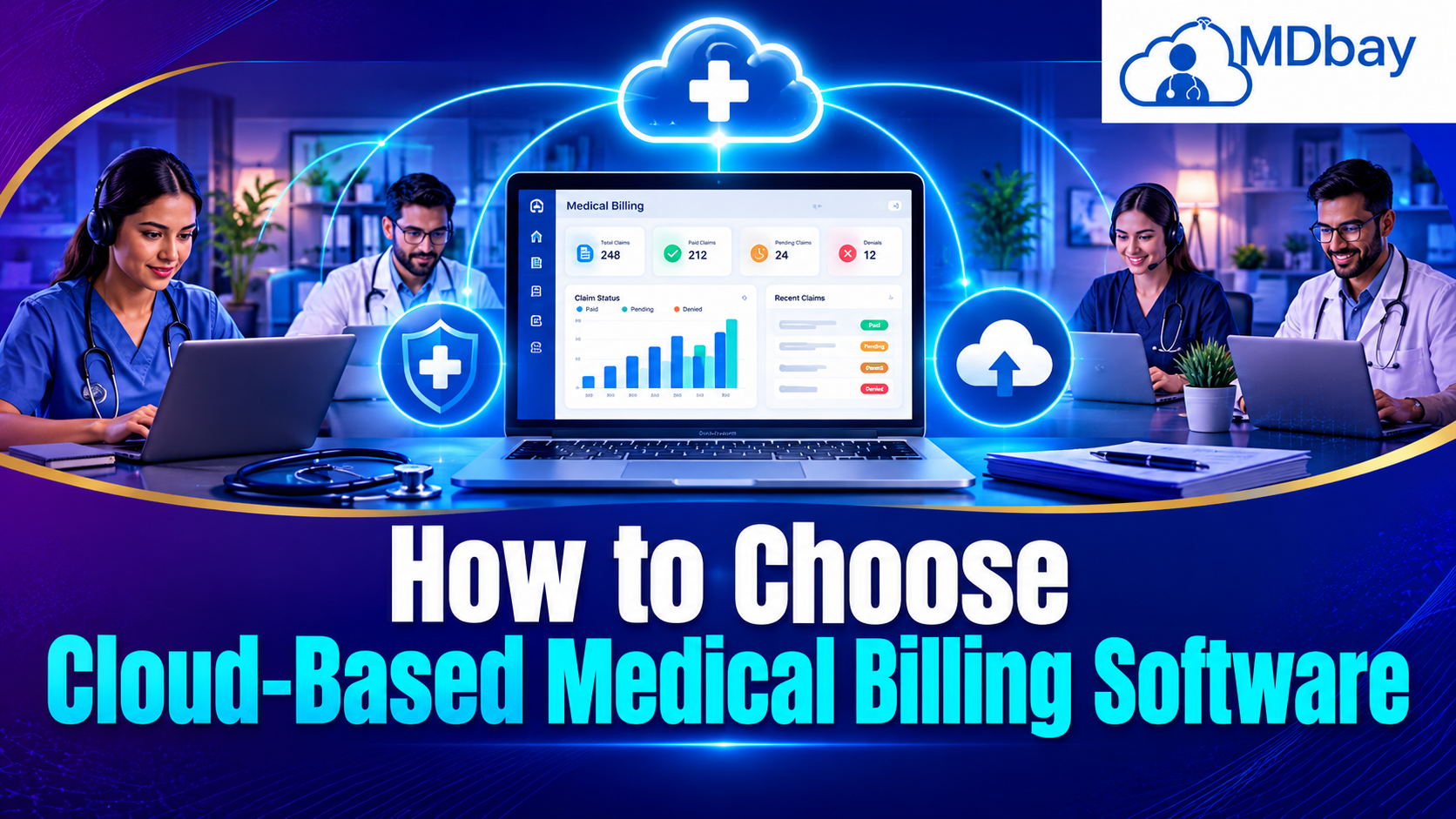
How to Choose Cloud-Based Medical Billing Software
Finding the best cloud-based medical billing software is a key concern for all practices. Clinical teams require dependable resources to handle claims and payments. They also need secure systems to archive patient billing information. Cloud computing allows authorised staff to access information from anywhere with internet service. This allows for the functionality of most billing procedures to be quick and efficient. It is necessary to have an understanding of the different types of medical billing software and what it takes to find the best software for your practice. It also depends on the number of staff and patient numbers. Trustworthy cloud medical billing solutions can put some processes on autopilot and minimise time-consuming activities. They can also assist your teams with monitoring claims and payments. When researching cloud medical billing solutions, carefully compare features and security, then look at pricing and customer service. Great billing software will need to be simple to learn and use, integrate well with your existing tools, and scale along with your practice. This guide covers the key decision factors, helping you to compare your options and select the ideal billing solution for you.
Five Important Areas to Review
Cloud Medical Billing Software Checklist: Understand your billing process and typical errors. Think about the size of your practice and budget. Define your goals, and find the software that can meet your needs today and is scalable for the future.
Assess Your Current Billing Process
Look at how your team makes and processes claims. See how your staff bills for payments and handles bills that aren't paid. This may point you to things you need to change.

Identify Common Billing Problems
Check for delayed claims and a lot of incorrect data. Ask why claims are rejected. Find the tools you need to fix these issues.
Assess the Size of Your Practice
Think about the number of users & patients in your clinic. If it is a small clinic, then you require simple tools. If your area is a large practice, then you require detailed reports & user controls.
Establish Software Objectives
This can include faster claims and better follow-up on payments. Well-defined objectives will give you a basis for comparison.
Anticipate Business Development
Envision what you will need before you select. Your practice may plan to hire staff or see more patients. Choose a software program that can accommodate the growth of your business.
Check Essential Billing Features
You need software that helps you do your practice's billing day-to-day. Choose one that has tools suited to the needs of your practice. Claim creation and submission are basic features. Payment posting allows staff members to see the funds you receive. Denial management can be used to see which bills have been declined. Reporting tools can reveal billing trends and outstanding balances. Some systems also feature reminders and eligibility checks. But not all of these features are necessary for every practice. Focus only on what you actually need to help your team work more efficiently. Ask providers to show the key features of their system before buying.
Look for These Key Features
You want your medical billing software to have the important features that will make your billing work easier. Claim management and payment tracking can be helpful. Denial management and reporting are good too. Find software that is secure and integrates well with your other systems. This can help you save time and avoid errors.
-
Claim management: Create and track insurance claims with ease.
-
Payment tracking: Record payments and review outstanding balances.
-
Denial management: Find rejected claims and support follow-up work.
-
Automated reminders: Help staff follow up on unpaid bills.
-
Reporting tools: Review income and billing performance.
-
User access controls: Give staff access based on their roles.
-
System integration: Connect billing tools with other healthcare systems.
-
Data backup: Support recovery if records are lost or damaged.
Choose features based on your actual workflow. Ask for a live demonstration when possible. This helps you see how the software works in real situations.
Review Security and Privacy
Medical billing software handles sensitive patient and payment information. Security should be a major part of your decision. Look for data encryption and secure login options. User permissions can limit access to private records. Multi-factor authentication can add another layer of protection. You should also ask about backups and recovery plans. Review how the provider handles security incidents. Check which healthcare privacy laws apply in your country. For example, United States providers may need to consider HIPAA requirements. Ask vendors about their compliance support and responsibilities. Never assume that a cloud platform is automatically secure. Read its security policies before signing an agreement.

Compare Pricing and Software Options
The price of cloud-based medical billing software can vary by provider. Some companies charge a monthly fee. Others may charge based on claims or collections. Setup and training may also cost extra. Compare the total cost instead of looking only at the advertised price. Make sure you understand the contract terms. Check whether upgrades and technical support are included. A low-cost plan may lack important features. An expensive plan may include tools your clinic does not need. Choose an option that fits your budget and provides useful value.
Monthly Subscription Fees
Check the standard monthly cost. Confirm whether the price changes with the number of users.
Setup and Migration Costs
Some providers charge to transfer existing records. Ask whether setup support is included in the package.
Training Expenses
Staff may need training before using the new system. Check whether training sessions cost extra.
Extra Feature Charges
Advanced reports and integrations may require additional fees. Confirm the cost of each feature before signing.
Contract and Cancellation Terms
Read the agreement carefully. Check renewal rules and cancellation fees. Make sure you know how to export your data if you switch providers.
Check Ease of Use and Customer Support
Software should be simple for your team to learn. A clear dashboard can help staff find tasks quickly. Easy navigation can reduce confusion during busy hours. Ask for a free trial or demonstration. Let the staff test common billing tasks. Check whether the platform works well on your available devices. Customer support is also important. Ask how to contact the support team when problems occur. Find out whether help is available by phone or email. Good training and reliable support can make the transition much easier.

Use this table to compare different software options. The features and costs below are examples for your evaluation. They are not verified details about specific vendors.
|
Factor |
Option A |
Option B |
Option C |
|---|---|---|---|
|
Pricing |
Low monthly fee |
Medium fee |
High fee |
|
Billing tools |
Basic |
Standard |
Advanced |
|
Ease of use |
Simple |
Moderate |
Depends on design |
|
Reports |
Basic reports |
Detailed reports |
Custom reports |
|
Integration |
Limited |
Several systems |
Broad integration |
|
Support |
|
Email and phone |
Multiple channels |
|
Best fit |
Small clinics |
Growing practices |
Larger practices |
Test the Software Before Buying
Testing the software can help you avoid costly mistakes. Ask the provider for a trial or guided demonstration. Use sample workflows to test claim creation and payment tracking. Check whether reports are easy to understand. Review how the system handles rejected claims. Ask staff to share their feedback after testing.
Important points to check:
-
Test claim creation: Check how easily staff can create and submit claims.
-
Review payment tracking: Make sure payments and unpaid bills are easy to monitor.
-
Check reports: Confirm that reports are clear and useful.
-
Test rejected claims: Review how the software helps manage denied claims.
-
Check system integration: Confirm that it connects with your existing healthcare systems.
-
Review data migration: Ask how your current records will move to the new system.
-
Check data backups: Make sure the provider offers backup and recovery options.
-
Collect staff feedback: Ask your team about ease of use and common issues
Conclusion
On the Cloud: Using cloud-based medical billing software can streamline your practice's billing and claim submissions. Begin with assessing your billing activities on an everyday basis. Next, move on to investigating key features and security measures. Price point comparison and integration abilities should be evaluated to see if it is compatible with your present systems. Finally, consider how user-friendly it is, since it's a tool you and your employees will be using regularly.
Different software suites will provide you with different features and conditions. They are not always straightforward, so spend time weighing your choices thoroughly. Examine the demos, ask questions purposefully, and be cautious when you consent to an agreement. Consider data security, be aware of how much you will be paying ultimately, and take stock of staff training and upgrade options. The most advanced package or the cheapest won't necessarily be the best one; rather, consider what will make things easier and safer to bill.
FAQs
1. What is cloud-based medical billing software?
Cloud Medical Billing Software - Cloud medical billing software is an online platform used to facilitate and organise healthcare billing. It can be accessed by a provider to generate claims and monitor payments.
2. Advantages of a cloud medical billing system?
The solutions may also enable remote access and updates. They could help automate billing functions and enhance payment monitoring.
3. What is the cost of cloud-based medical billing software?
Price points will vary from vendor to vendor and according to features. Some have monthly fees; some have claim volume or collection-based fee schedules. Request a detailed price quote.
4. Is cloud medical billing software secure?
It's safe when the provider employs appropriate protections. Test encryption and access restrictions. Likewise, test backup schemes and other applicable privacy standards.
5. Can you get cloud medical billing solutions to connect with a patient's EHR?
Several platforms provide integrations with electronic health record systems, but not all are compatible. Ensure the software integrates with your existing system before you purchase.
6. How do I decide which medical billing software is best?
Consider your requirements and compare features. Research the security of the solution and look at the pricing. Try the software and see what kind of customer support they have before making your choice.
7. Should my small practice consider cloud medical billing software?
Yes. There are plans available for small practices on some platforms. As well as cost, look at the features available to ensure the software suits your practice.