Essential Features of Cloud-Based Medical Billing Software
Introduction
Medical billing is a critical component of the medical industry. The billing department of every practice should have a way to manage patient data, file insurance claims, record payments, and monitor balances, but the manual process can sometimes be cumbersome and prone to errors. Cloud-based billing applications are one way to get around this. With a cloud-based solution, practices don't need to fully rely on an in-house computer system to get their billing done. A good cloud-based application can help streamline daily operations, organise financial information, and allow practices to take charge of their revenue cycles. The features of a cloud-based medical billing solution are what allow practices to get the most out of this helpful tool. Here are 10 features to look for when shopping around.
Definition of Cloud Medical Billing Software
Cloud-based medical billing software is a digital platform that enables practices to handle billing and payment processes. Users of the platform, depending on the platform, will be able to perform functions like creating patient accounts, filing insurance claims, applying payments, generating reports, and tracking overdue balances. These platforms can also connect with other systems such as the practice's electronic health record (EHR), practice management software, and clearinghouses. This can help reduce data entry duplication and allow for smoother transfer of data from one application to another.

Insurance Eligibility Verification
Insurance coverage verification can verify a patient's eligibility before rendering care. Verifying coverage ahead of time can uncover some reasons why a claim might not be processed, such as a policy that is no longer active and how much coverage is available. Some web-based medical billing software integrates with insurance eligibility information services for online access to available insurance coverage. This process can cut down on the amount of time front-desk staff spend online searching for eligibility statuses. It's important to note that eligibility does not imply coverage for a particular service.
Automated Billing and Patient Statements
Patient billing is a key aspect of managing revenue flow. Providers want a simple way to notify patients about balances due and to process collections. Certain cloud billing solutions are capable of providing statement generation and managing other patient billing communications.
User-Friendly Dashboard
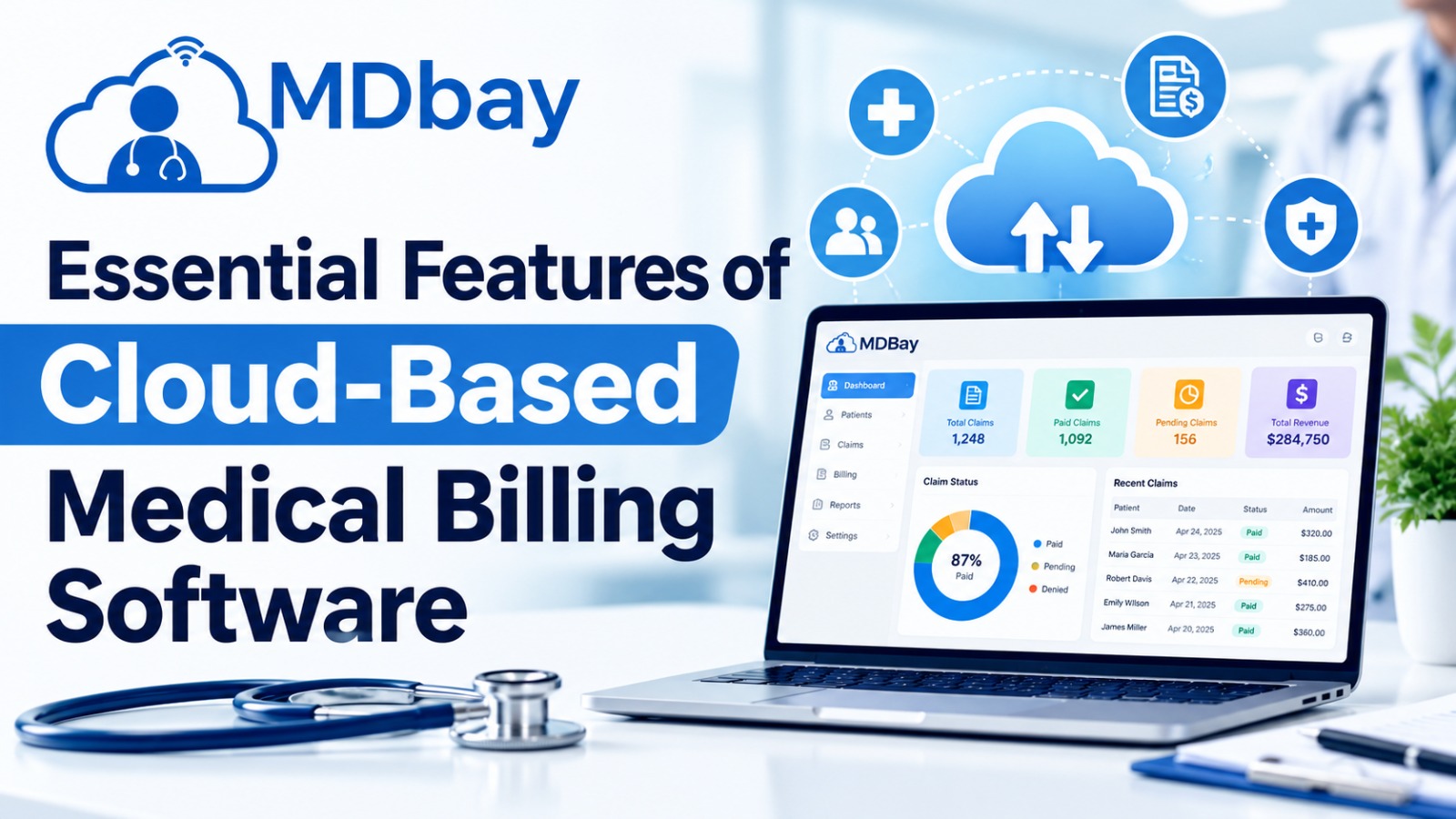
In a typical billing software interface, employees need to manoeuvre around a complex dashboard to perform their daily tasks. Complex interfaces make it hard for employees to locate data on a dashboard, leading them to take longer to do mundane jobs. For instance, a dashboard will display claim status, payment activity, remaining balance, and other messages in a single place so that billing professionals can efficiently access all data. In general, the billing team needs to have different interfaces depending on the team's roles; for instance, a billing professional requires identifying rejected claims, but a practice manager requires a snapshot of the finances.
Multi-User Access and Remote Working
Access from anywhere. Cloud-based software allows approved users to work from multiple sites and use whatever device or internet connection they have. That can be an advantage for multi-location practices or those with employees working remotely on billing. Travelling staff or those off-site can check records, follow up on claims, or complete billing-related tasks without needing access to one central computer at the office.

Appointment and Billing Workflow Assistance
Patient registration and appointment scheduling may be a billing activity: Billing may require information that is gathered in the front office through registration and scheduling. Lack of insurance information and incomplete registration may lead to more work down the road. One cloud billing vendor seamlessly synchronizes with scheduling and practice management to better align patients' visits and billing processes. This syncing can facilitate earlier information validation by staff and smoother flow from registering for an appointment to submitting the claim. However, each product differs in the areas of function, so practices need to first decide which steps in the workflow could use some help.
Customer Support and Staff Training
Software that is packed with features can also be complex to navigate without adequate training and solid support. Staff members must learn how to submit claims, post payments, handle exceptions, and produce reports. Appropriate onboarding aids, documentation, and technical support from your software supplier should be accessible. When the platform updates its workflows or can be altered with the capacity to learn a new way, training is necessary.
Advantages of Using the Correct Cloud-Based Medical Billing Software
Here are some of the many advantages of choosing software with the most appropriate features.
Streamlined Administration
Automated workflows can minimise repetitive work and enable billing teams to process claims and payments faster, freeing up staff members to focus on enquiries and patient care.
Improved Financial Clarity
The ability to centralise records and report on them can simplify the review of payments, pending balances, and claim progress.
Reduced Manual Errors
Validation checks, electronic data transfers, and shared workflows can address some errors. Data entry errors due to manual entry may also be minimised through these controls.
Easier Access to Information
As a user, you can also view the appropriate billing data remotely if the platform and its secure settings allow.
More Organised Revenue Cycle Management
Tools for claim tracking, payment posting, denial management, and reporting can help practices streamline and align the various parts of the billing process. The results rely on software quality, training of staff, the effectiveness of the integration, and how the practice chooses to handle the workflow.
Choosing the Right Medical Billing Software
Providers are encouraged to assess their requirements before purchasing a cloud-based billing platform. Begin by pinpointing the greatest pain points of your current billing system. These may consist of slow claim filing, manual payment posting, a lack of financial reporting, or trouble with tracking denials.

Next, compare vendors based on the following factors:
Features: Make sure the platform accommodates your required billing functions.
Ease of use: Select a system that staff will be able to learn and use comfortably.
Integration capabilities: Ensure the EHR or practice management system integrates with the current system.
Security: Check controls, encryption, backups, audit logs, and compliance responsibilities.
Pricing: Look at subscription pricing, implementation costs, user training, integrations, and add-ons.
Customer support: Review the type of support they offer and how quickly they assist you.
Scalability: Ensure it can scale to meet future demand.
Reporting: Ensure that its reports supply information that supports managing financial performance.
Conclusion
The basic features of cloud-based medical billing software encompass automated claim processing, electronic posting of payments, insurance eligibility screening, claim tracking, secure data storage, financial reporting, and other integrated healthcare functions. These tools may support your medical practice to streamline billing processes, cut down on manual tasks, and improve insight into revenue cycle performance. But software cannot make claims more accurate or expedite them. They should select a platform that fits within their size, their budget, and their security and system requirements. If users have the proper training and if the platform is regularly monitored, a good solution can help to lead to a much better medical billing system.
Frequently Asked Questions (FAQs)
1. What are the fundamentals of cloud medical billing software?
Other key features are claim processing, payment posting, verification of insurance eligibility, submission tracking, claim denial management, patient billing, financial reporting, and data storage.
2. What is medical billing software in the cloud?
It enables online data entry for eligible users. It could be used to submit claims, document payments, monitor remaining balances, and print reports.
3. Will the information I put in my online medical billing software be protected?
This may be secure if the provider has suitable controls, such as encryption, access controls, audit trails, and backup procedures. Practices should evaluate security and compliance needs before selecting a supplier.
4. Is claim processing automation possible with medical billing software?
The majority of the tools can prepare claims electronically, validate claims automatically, submit them, and check them. Depending on the application and its available integrations.
5. Can cloud billing software handle payment posting?
Many systems will support electronic processing of payments and have payment posting workflows. Other systems will automatically process some of the payments and require manual posting of the payments that do not automatically match to the account.
6. Is cloud billing software suitable for small practices?
Yes. There are cloud solutions that cater to practices of various sizes. Small practices need to compare costs, usability, critical features, and support.